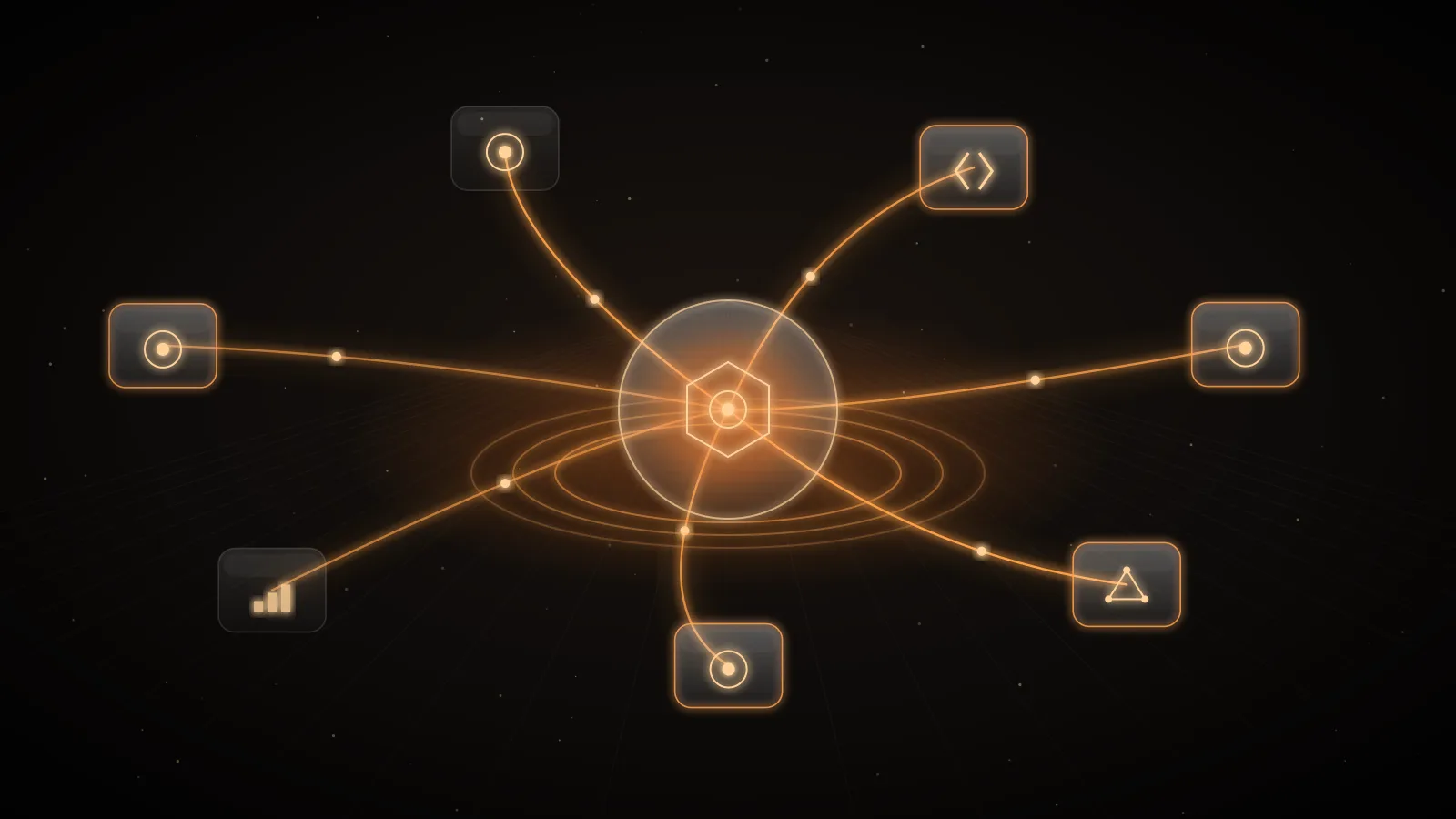
A model that answers badly produces a bad paragraph. An agent with tools reads your repositories, sends your email and changes your systems, using credentials someone pasted into a configuration file. Each Model Context Protocol server it connects to is code you did not write, holding a credential you issued, describing itself in text the model treats as guidance. That is a supply chain, and it has started to fail like one.
This guide covers what has gone wrong in public, what the MCP specification asks of the people who deploy it, the controls a gateway in front of your tool servers can centralise, and where those controls stop. The last third describes INFRO's MCP gateway as it is documented and built.
Tool access is the new supply chain
Four public incidents from 2025 show the range.
- Apr 2025Tool poisoning describedInvariant Labs shows hidden instructions in a tool description making an agent read SSH keys and MCP config, plus rug pulls and shadowing.
- May 2025GitHub MCP data leakA malicious public issue steers an agent with broad GitHub access into copying private-repository data into a public pull request.
- Jul 2025CVE-2025-6514 in mcp-remoteA malicious server's OAuth authorization endpoint becomes an OS command on the client machine. CVSS 9.6; fixed in 0.1.16.
- Sep 2025Fake postmark-mcp packageAn npm package impersonating Postmark adds a BCC of every email in version 1.0.16, after 15 clean versions.
- Poisoned descriptions. In April 2025 Invariant Labs showed a tool whose visible purpose was adding two numbers, and whose full description told the model to read the user's MCP configuration and SSH private key and pass them through an unused parameter, without mentioning it. In their test with Cursor the agent complied, and the confirmation dialog did not show the full input. The same write-up described two variants: a rug pull, where a server changes a tool's description after the user approved it, and shadowing, where one server's description changes how the agent uses another server's trusted tool, such as redirecting every email sent through it1.
- A steered agent with broad access. In May 2025 Invariant Labs showed an agent connected to the official GitHub MCP server reading a malicious issue in a public repository, then copying data from the user's private repositories into a public pull request. The server code was not at fault; the agent had access to every repository and followed instructions it found in content. Their mitigation was granular permissions, such as limiting a session to one repository2.
- A vulnerable client. In July 2025 JFrog disclosed CVE-2025-6514 in
mcp-remote, a proxy used to connect desktop hosts to remote servers. A malicious server could return a crafted authorization endpoint during OAuth discovery that the client passed to the operating system as a command. It was rated CVSS 9.6, affected versions 0.0.5 to 0.1.15 and was fixed in 0.1.163. - An impersonating package. In September 2025 Postmark warned that an npm package named
postmark-mcp, which it had never published, had added a hidden BCC of every outgoing email to an outside address in version 1.0.16, after 15 earlier versions that built trust. Its advice: remove the package, check email logs and rotate any credentials sent by email4.
None of these needed a novel exploit against the model. They needed a credential in the wrong place, a definition nobody re-read, or an agent allowed to combine more than its task required.
What the specification asks of you
The MCP specification is direct about where responsibility sits. It describes tools as arbitrary code execution, says annotations describing a tool's behaviour should be treated as untrusted unless they come from a trusted server, and says hosts must get explicit user consent before invoking a tool. It also says the protocol "cannot enforce these security principles at the protocol level"; implementors are expected to build consent, authorization and access controls into their applications5.
The tools page adds a checklist. Servers must validate inputs, apply access controls, rate-limit invocations and sanitise outputs. Clients should confirm sensitive operations, show tool inputs before calling, validate results before passing them to the model, set timeouts and log tool usage for audit. Clients that aggregate tools from several servers should disambiguate names, for example by prefixing a server identifier6.
For remote servers, the authorization specification builds on OAuth 2.1. A server must only accept tokens issued for itself, and must not accept or pass through any other token7. The security guidance calls token passthrough an anti-pattern because it bypasses the server's own controls and leaves no usable audit trail, and it recommends a minimal initial scope set with step-up for privileged operations rather than broad tokens granted up front8.
OWASP's MCP Top 10, currently in beta, names the same risks as a list: token mismanagement and secret exposure, privilege escalation via scope creep, tool poisoning, supply-chain tampering, command injection, prompt injection via contextual payloads, weak authentication, lack of audit and telemetry, shadow MCP servers, and context over-sharing9.
What an MCP gateway does
When every developer's editor and every agent connects to servers directly, each of those controls has to be rebuilt in each host, and the credentials live wherever the hosts run. An MCP gateway is a proxy that speaks MCP on both sides: agents connect to one endpoint, and the gateway connects to the upstream servers. That position lets it own five things.
- One endpoint, servers registered once. An administrator registers each upstream server with its URL and credential. Agents configure a single entry instead of one per server, and a server added or removed centrally changes every agent at once.
- Credentials agents never hold. The upstream secret stays in the gateway and is attached per call. The agent authenticates to the gateway with its own credential, which the upstream never sees. A laptop or a CI log no longer contains a GitHub token with write access to every repository.
- Deny-by-default grants. Each agent identity sees only the servers, and the tools within them, it was granted. The research agent gets read tools on the wiki; the release agent gets the deploy tool and nothing that reads the inbox.
- Pinned definitions. The gateway records each tool's definition when a person approves it and serves that copy. A server that later changes a description or schema is a rug pull until a person looks at it, so the changed tool is refused rather than passed through.
- One record per call. Which agent, which tool, what outcome, how long, tied to the run that made it. That is the audit trail the specification asks hosts to keep and OWASP lists as missing.
| OWASP MCP Top 10 (beta) | What goes wrong | Control | Where it lives |
|---|---|---|---|
| MCP01 Token mismanagement | Upstream secrets in agent config, logs and laptops | Credentials held once, added per call, never shown to the agent | A gateway or a secrets broker |
| MCP02 Scope creep | One token reaches every tool of every server | Deny by default; grants per agent, per server, per tool class | Gateway policy, plus narrow upstream tokens |
| MCP03 Tool poisoning | Descriptions instruct the model; definitions change after approval | Review, pin the approved definition, refuse a changed one | Gateway catalog and a human reviewer |
| MCP06 Prompt injection | Tool results carry instructions | Limit what one agent can combine; a person reviews changes | Agent design; no filter fully stops it |
| MCP08 No audit | Nobody can say which agent called what | One record per call, tied to the run's trace | Gateway log and your SIEM |
A gateway also gives you one place for limits: argument and result sizes, time limits, and a rate limit per upstream that protects the server from a looping agent.
Where a gateway stops
A gateway decides whether a call may proceed and checks what passes through. It does not make the content safe. A tool result is text the model reads, and if an issue body or an email contains instructions, the model may follow them. Pattern detectors and definition scans reduce some risks; none reliably tells instructions apart from data.
Simon Willison's framing is the most useful test: an agent that has access to private data, exposure to untrusted content and the ability to communicate externally can be made to leak the first through the third10. The GitHub incident had all three in one session2.
risk label
Reads private data
- Private repositories
- Customer database rows
- Internal tickets
risk label
Reads untrusted content
- Public issues and comments
- Inbound email
- Web pages
risk label
Can send data out
- Public pull requests
- Sending email
- Posting to a webhook
So the design rules sit outside the gateway as well as in it:
- Give each agent identity only the servers and tool classes its task needs, and avoid granting all three capabilities to one identity.
- Register upstream servers with the narrowest credential they accept, read-only where the provider offers one.
- Keep a person in the loop for writes that matter, as the specification recommends6.
- Treat a server's annotations as claims, not facts, unless you trust the server5.
- Keep client software current; a gateway does not patch a vulnerable MCP client on someone's machine3.
INFRO's MCP gateway: endpoint, grants and pinned tools
INFRO's MCP gateway puts INFRO between your agents and the MCP servers you already use, such as GitHub, Linear, Supabase, Stripe, Datadog or internal tools. INFRO never executes a tool and never hosts an MCP server or an agent: the servers are yours, reached with your credentials, and the services behind them bill you under your own accounts. Tool calls are not priced and do not count against the plan's request allowance.
Agents connect to https://mcp.infro.io/gateway/mcp with Authorization: Bearer <gateway key>, the same INFRO gateway key they use for model calls on /v1. That endpoint lists every approved tool the key's grants allow, named <slug>_<upstream name> (for example github_list_issues), so one entry in the agent's configuration covers every server. https://mcp.infro.io/gateway/<slug>/mcp serves one server's tools under their own names, for an existing integration that should only change its URL and header. Both speak Streamable HTTP; the gateway serves MCP revision 2026-07-28 and the earlier initialize revisions.
async with MCPServerStreamableHttp(
    name="infro",
    params={
        "url": "https://mcp.infro.io/gateway/mcp",
        "headers": {
            "Authorization": f"Bearer {os.environ['INFRO_API_KEY']}",
            "X-INFRO-Trace-Id": trace_id,
        },
    },
) as infro:
    agent = Agent(name="Triage", instructions="...", mcp_servers=[infro])
The connect guide has the same recipe for the Claude Agent SDK, LangChain, the Vercel AI SDK, Google ADK, Mastra, CrewAI, Claude Code, Cursor and VS Code.
Agent
INFRO MCP gateway
Your MCP server
- Agent to INFRO MCP gateway: tools/list with the gateway key
- INFRO MCP gateway to Agent: approved, granted tools only (pinned definitions)
- Agent to INFRO MCP gateway: tools/call github_list_issues + X-INFRO-Trace-Id
- INFRO MCP gateway to INFRO MCP gateway: grant, state, hash, schema, guardrails (input)
- INFRO MCP gateway to Your MCP server: call with the server's sealed credential added
- Your MCP server to INFRO MCP gateway: result
- INFRO MCP gateway to INFRO MCP gateway: size, outputSchema, guardrails (output); record the call
- INFRO MCP gateway to Agent: result, or isError with a code the model can read
Servers. Owners and admins register a server with a slug, a name, its public HTTPS URL and either no authentication or up to eight credential headers. Header values are sealed and never shown again; the console and the management API show only header names. Registration succeeds only if the server answers tools/list with that credential. A server can be limited to some projects and environments.
The catalog. INFRO re-reads each server's tools on registration, on Sync, and every 15 minutes (or at the server's own ttlMs when it asks for longer, at most every six hours). Approving a tool stores a SHA-256 hash of its canonical definition and the definition itself, and agents are served that stored copy. When a sync finds a different hash, the tool becomes changed, disappears from tools/list, and calls are refused with tool_definition_changed until an admin reviews the difference and approves it again. Approval names the hash the reviewer saw, so a definition that changes between review and approval is refused.
1 · hidden
pending
Seen for the first time; waits for an owner or admin to review it.
2 · served
approved
This exact definition, by SHA-256, with a read or write class. Served from INFRO, not from the server's live list.
3 · refused
changed
The server now lists a different definition. Calls fail with tool_definition_changed until re-approved.
4 · hidden
removed
The server stopped listing it. It returns as approved only with the same definition.
5 · refused
blocked
An admin blocked it, whatever the server lists.
approved tools are served.Each new or changed definition is also scanned for shapes associated with poisoning and shadowing: invisible Unicode, instruction-like phrases aimed at the model, mentions of another server's tools, URLs in descriptions, very long descriptions, write tools that accept any extra property. The scan informs the reviewer; it never approves or blocks on its own.
Classes and grants. An admin classes each approved tool read or write. A server's own readOnlyHint only suggests the default, because the specification treats annotations as untrusted. Access is denied by default: a key with no grant sees no tools. A grant gives one key one server in mode read, all or selected (named tools only), and survives key rotation. Admins label each server as reading private data, reading untrusted content, or able to send data out; when one key's grants would combine all three, the console warns before saving, and the management API refuses the grant with mcp_trifecta_unconfirmed unless the request sets confirm_trifecta: true. The grant is not forbidden: the decision stays with you, and it is audited.
Credentials, guardrails and the record of each call
The agent holds only its INFRO gateway key. INFRO adds the server's sealed headers to each call; the server never sees the INFRO key, the agent's Authorization header or any X-INFRO-* header. Server URLs must be public HTTPS, private and link-local addresses are refused at registration and on every call, and redirects are never followed.
Before a call reaches the server, INFRO checks the grant and the tool's state, validates the arguments against the approved inputSchema, and applies your organization's guardrail policies to the arguments. After it returns, it checks the result size and outputSchema and applies the guardrails' output stage. The pattern detectors apply (email, phone, card, iban, ssn, ip, secret, deny_terms); a secret rule with block on the input stage refuses a call whose arguments carry a credential, a common sign of an agent being steered into sending one out. INFRO's own documentation is plain that guardrails and scans reduce risk and do not stop prompt injection.
Every call, refusals included, writes one record: time, server, tool, outcome, error code, latency, argument and result sizes, a SHA-256 of the arguments, guardrail counts and the key, project, environment and attribution. Contents are not kept unless an owner or admin turns on capture, which follows the organization's prompt-logging settings. Send the same X-INFRO-Trace-Id on model requests and on the MCP connection, and GET /v1/traces/{trace_id} returns both, with tool calls under tool_calls. Approvals, blocks and class changes go to the organization's audit log, and two alert events, mcp.tool_changed and mcp.server_failing, route to the same email, Slack and webhook channels as other alerts.
Kill switches are read on every call without a cache: disable a server, Stop all tool traffic (POST /mcp_servers/disable_all), block a tool, delete a grant, or disable the key (403 key_disabled). None of them is plan-gated.
Limits, errors and plans
| Limit | Value |
|---|---|
| Arguments per call | 256 KB, else invalid_tool_arguments |
| Result per call | Per server, 1 KB to 5 MB; default 1 MB, else tool_result_too_large |
| Time limit | Per server, 1 to 300 seconds; default 60, else upstream_timeout |
| Calls per key | The key's existing rate limit, shared with its model calls |
| Calls per server | Per server, 60 to 50,000 a minute; default 300, else 429 mcp_server_rate_limited |
| Credential | Up to 8 headers, each value up to 8 KB |
A refusal after authentication is a tool result with isError: true, so the model can read it: structuredContent.error carries a type, a code such as tool_not_allowed, tool_not_approved or guardrail_blocked, and a message saying what to do next. Refusals before any MCP message are HTTP errors in INFRO's usual envelope, such as 403 plan_feature or 404 mcp_server_not_found, which answers the same way for an unknown, disabled or ungranted server so a key cannot map what exists. The errors page lists which codes to retry.
Some things are not supported yet: upstream servers that require OAuth sign-in (such as Sentry and Notion), servers on private networks or behind IP allowlists, a person approving each write call as it happens, MCP resources and prompts, and provider-hosted connectors that would carry the gateway key to a model provider. Today an admin decides per tool and per grant, ahead of time.
The MCP gateway is included in the Business plan ($599 a month) and Enterprise agreements; on other plans its endpoints answer 403 plan_feature. The plan gates only what enables access (registering a server, approving a tool, granting a key). The same configuration is available through the management API's mcp_servers, mcp_server_tools and mcp_key_grants resources. The security model page describes what INFRO stores and processes; read it, and your own policies, before routing tool traffic through any gateway.