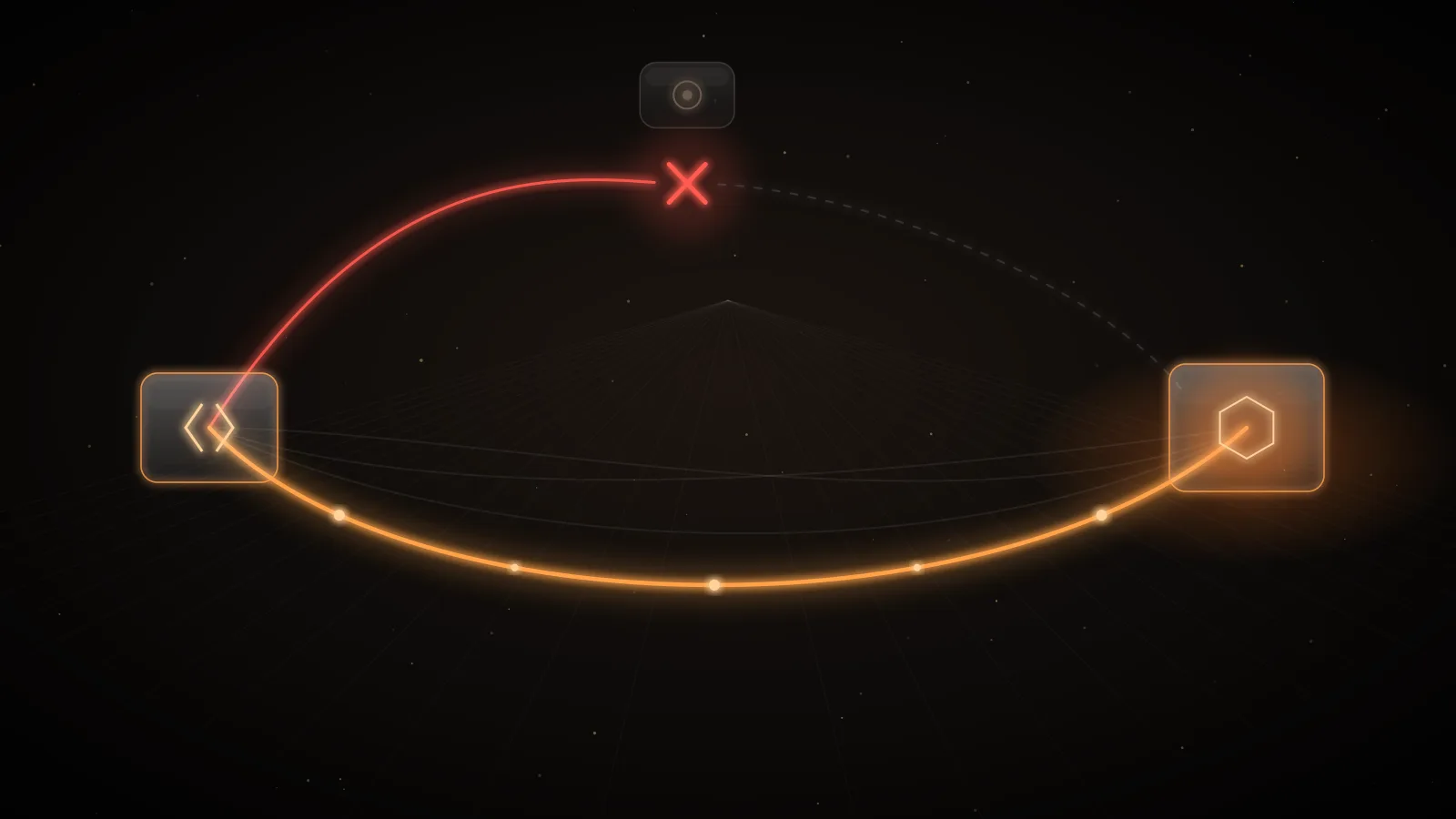
What do you do when an AI provider suspends your account or project for abuse? Stop the abuse first, at the provider: revoke or rotate every key that could be involved. Then collect the provider's own usage records for the window, and appeal through the route that provider documents, explaining what happened and what you fixed. In parallel, keep serving: a workload whose only provider account is suspended is down until the appeal succeeds, so the design question is how to make one suspension an incident rather than an outage.
Why legitimate companies get suspended
Providers suspend on behavior, not on intent. A key leaked from a repository, a laptop or a third-party tool, then used to generate content against policy or to harvest outputs at scale, produces exactly the traffic providers are built to stop. The terms make the account holder responsible: Anthropic's Commercial Terms say the customer is responsible for all activity under its account and must notify Anthropic promptly if it believes the account is compromised1, and OpenAI's Services Agreement says the same about activity under the customer's account2.
The OpenCode Console breach in October 2026 is a recent example. OpenCode described it as related to a large-scale distillation attack affecting 1.4% of Console users, those with external providers linked, and said it was working with Anthropic, OpenAI and Google3. BleepingComputer reported that some users saw unauthorized charges and that Google suspended some projects for "abusive activity consistent with hijacked resources"3. Infosecurity Magazine reported OpenCode's statement that it notified the three providers so they could address the issue4. What happened in the OpenCode Console breach keeps to the confirmed facts.
What a suspension looks like at each provider
| OpenAI | Anthropic | Google Cloud / Gemini API | |
|---|---|---|---|
| Stated grounds | Usage Policy or Terms violations, sharing keys inappropriately, suspected compromise, ignored warnings, missed verification5 | Repeated Usage Policy violations, unsupported location, Terms violations; organizations paused for unusual activity6 | Acceptable Use Policy or Terms violations in a project; the owner must fix them immediately7 |
| What stops | The account; OpenAI may suspend temporarily if it detects suspicious activity suggesting compromise5 | The account, or an organization "on hold"6 | The project's workloads shut down and users lose access; an account-level suspension blocks every project7 |
| Warning first? | Warnings for some violations; notice before a suspension where reasonable, not always2 | Warnings for API customers are tied to thresholds across the whole API account6 | Email to project owners, with how to appeal7 |
| Appeal route | Link in the notice email, or OpenAI's appeal intake form5 | Log in and use the appeal form; for an organization on hold, Request a review6 | Fix the violation, then follow the notice link or contact Google Support7 |
Anthropic's Usage Policy also says its Safeguards team may warn, throttle, limit, suspend or terminate access when it suspects a violation8, so a suspension is not always the first visible step: a sudden throttle can precede one.
One more Google detail changes the urgency. A project suspended for more than nine months is marked for deletion and fully deleted about 30 days later, some resources sooner, and removed Cloud Billing resources cannot be recovered7.
The first hour
- Confirm the notice is real. Suspension emails are a natural phishing lure. Open the provider console directly rather than following the email's link, and check the status there.
- Stop the abuse at the provider. Revoke or rotate every key in the affected account, project or workspace. A key changed only in your secrets manager or gateway keeps working against the provider until it is revoked there. OpenAI's guidance for suspected compromise is to change the password, which logs out current sessions within 30 minutes, and rotate API keys95. Google's is to revoke all credentials for affected service accounts, rotate credentials across affected projects, and remove unauthorized resources10.
- Check for persistence. Look for keys, service accounts, members and resources you did not create. An attacker who made their own key survives the rotation of yours.
- Freeze the evidence. Export usage by key, model and hour for the window from the provider's own reports while you still have access, plus your application and gateway logs. Signs your AI API key is being abused lists where each provider shows it.
- Find the source. Which key was used, where it was stored, and who or what else held it: a CI system, a client bundle, a coding agent, a third-party tool.
- Fail over what you can. Move the affected workload to another provider account if one is ready (see below).
How to appeal, provider by provider
OpenAI
Submit through the link in the deactivation email; if you cannot reach that email, use OpenAI's appeal intake form, and if you received no email, the Help Center chat5. OpenAI asks for the user and organization IDs, context on your usage, the date range of a suspected compromise, details of any unauthorized charges (dates, amounts, last four digits and brand of the card, issuing bank, billing ZIP code), and the steps you have taken5. For unrecognized activity that has not led to a deactivation, OpenAI points to its unauthorized activity webform9.
Anthropic
If an account was suspended or terminated, Anthropic's process is to log in to claude.ai with that account and use the appeal form linked from its help article; you must be logged in to reach the form6. If your own account is in good standing but an organization you belong to was paused because of unusual activity, the restricted-account screen lists it, and "Request a review" asks the Safeguards team to look again6. Anthropic noted on the same page that response times were longer than normal6. Because the Commercial Terms expect prompt notice of a compromise1, report the compromise as soon as you know, not only when you appeal.
Google Cloud and the Gemini API
Fix the violation first, then follow the link in the notification email or contact Google Support; for an account-level suspension there is a Console form7. Google's abuse-response guidance says the response should explain the cause, the steps taken, whether the behavior was intentional, the billing account ID, and whether the project was compromised10.
Keep it factual: what happened, when, what was not you, what you changed, and what you are asking for. AI API key theft and your bill covers the charges separately.
Design so one suspension is not an outage
A suspension is an availability event. Treat it like a regional outage you cannot fix yourself.
Separate workloads at the provider
Google suspends at the project level unless the whole account is suspended7. A project per workload and environment means a stolen staging key takes down staging, not production. OpenAI projects and Anthropic workspaces give the same separation for keys and usage reports. Keep production keys out of developer tools, CI and third-party products entirely; give those their own project with a low spend cap. Separation does not help against an account-level suspension, so the next control matters too.
Keep a second provider ready, and test it
A tested second provider is the difference between a degraded hour and a dead feature. That means a connected account with a working key, a route that lists it as a target, prompts that produce acceptable answers on its models, and a drill that proves it. Automatic LLM failover and LLM failover drills go into detail. Remember that a model served through a cloud platform still depends on that cloud account: two targets on the same suspended account are one target.
Make sure the notice reaches someone
Google recommends adding Essential Contacts for security, technical and suspension notices so you know as soon as a project is warned10, and says owners should check the project owner email regularly7. Route provider notices to a shared security mailbox, not one person's inbox.
Prevent the abuse in the first place
Scoped keys, IP restrictions where the provider offers them, provider spend limits and a credential inventory make a stolen key less useful and its traffic easier to see. How to secure LLM API keys and Provider spend limits compared cover them.
How INFRO handles a provider that stops serving
INFRO runs requests on provider accounts you connect, and a route can list targets across several of them. When a provider rejects a key (401 or 403), the route's failure rule for credential errors decides what happens; the default retries the same target and then moves to the next one, and every attempt appears on the request's trace with the error that ended it (routes). A disabled connection is skipped, so nothing is sent to a suspended account while you work on the appeal. Gateway keys belong to one environment and never reach a connection outside it (authentication), and spend alerts reach email, Slack, Teams or PagerDuty, so an unusual day on one provider is seen early (alerts).
What INFRO cannot do: lift a suspension, or stop abuse that does not pass through it. A provider key stolen from anywhere, including from a platform that stores provider keys as INFRO does, can be used directly against the provider, bypassing every INFRO budget and allowlist, and that traffic is what gets the account suspended. The backstops are at the provider: scoped keys, provider spend limits, revocation at the provider, and watching the provider's own usage reports.
Summary
Suspensions follow abuse on your account, whoever caused it. Revoke at the provider, look for persistence, keep the provider's own usage records, and appeal through the documented route with a factual timeline. Before it happens, split workloads into separate projects or workspaces, keep a tested second provider behind failover, and make sure provider notices reach a team rather than an inbox.