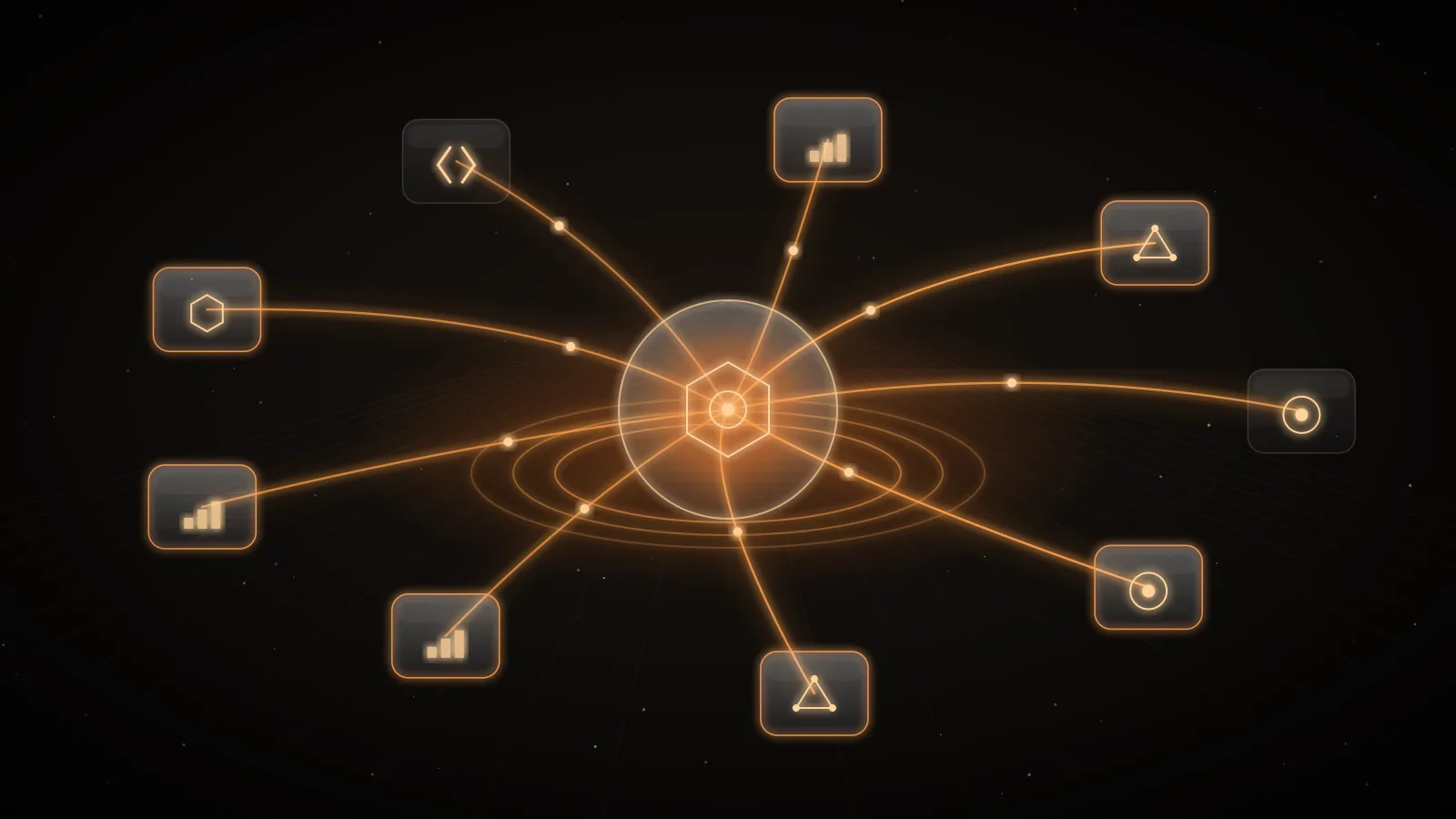
What is MCP? The Model Context Protocol is an open-source standard for connecting AI applications to external systems1. An AI application — the host, such as Claude, ChatGPT, Cursor or VS Code — runs clients that connect to MCP servers, and each server exposes tools the model can call, resources it can read and prompts users can pick, over JSON-RPC 2.0 messages2. The project's own analogy is a USB-C port for AI applications: one standard connection instead of a custom integration per app and per system1.
For platform and security teams, MCP is both a simplification and a new surface. Every MCP server is a path by which a model can read data or take actions. This guide explains the protocol in plain terms and the controls it needs.
The pieces
| Part | What it is | Example |
|---|---|---|
| Host | The AI application that initiates connections | Claude, ChatGPT, Cursor, an internal agent |
| Client | A connector inside the host, one per server | The host's connection to your ticketing server |
| Server | A service that provides context and capabilities | A server wrapping your issue tracker's API |
| Tools | Functions the model can execute | create_ticket, search_orders |
| Resources | Context and data for the user or the model | A document, a table, a file |
| Prompts | Templated messages and workflows for users | "Summarise this incident" |
Clients can offer features back to servers too: elicitation (a server asking the user for more information), sampling and root directory lists23. Optional extensions add more, such as Tasks for long-running operations and MCP Apps for interactive UI rendered inside a conversation; extensions are opt-in and negotiated by both sides2.
The specification names the Language Server Protocol as its inspiration: LSP standardised how editors support programming languages, and MCP standardises how AI applications gain tools and context2.
How a request works
All messages follow JSON-RPC 2.0: requests with an id and a method, responses with a result or an error, and one-way notifications3. A tool call looks like this:
{
  "jsonrpc": "2.0",
  "id": 2,
  "method": "tools/call",
  "params": {
    "name": "search_orders",
    "arguments": { "customer_id": "cust_42", "status": "open" },
    "_meta": {
      "io.modelcontextprotocol/protocolVersion": "2026-07-28",
      "io.modelcontextprotocol/clientCapabilities": {}
    }
  }
}
Stateless since 2026-07-28
The current specification defines MCP as a stateless protocol: "all the information needed to process a request is contained in the request itself." Servers must not rely on earlier requests on the same connection for capabilities, protocol version or client identity; each request carries its protocol version and client capabilities in _meta, and state that spans requests must be referenced by an explicit identifier3. For operators this is good news: MCP servers behave like ordinary stateless services, which makes them easier to scale, load-balance and put behind a gateway.
The specification also introduces a resultType on results (complete, or input_required when a server needs more from the client), multi round-trip requests for sampling, elicitation and roots, and a reserved range of MCP error codes3.
Authorization
For HTTP-based transports, implementations should follow the specification's authorization framework, built on OAuth; stdio servers, which run locally, should take credentials from the environment instead3. In practice: remote servers sign users in through an OAuth flow, and local servers read keys from environment variables the user provides.
The security model, in the specification's own words
The specification lists three principles2:
- User consent and control. Users must explicitly consent to and understand all data access and operations.
- Data privacy. Hosts must obtain explicit consent before exposing user data to servers, and must not transmit resource data elsewhere without it.
- Tool safety. "Tools represent arbitrary code execution and must be treated with appropriate caution," descriptions of tool behaviour should be considered untrusted unless obtained from a trusted server, and hosts must obtain consent before invoking any tool.
It is also explicit that the protocol "cannot enforce these security principles at the protocol level"; implementors should build consent and authorization flows, access controls and data protections2. Those responsibilities fall on whoever deploys MCP in a company.
Governing MCP in an organization
Treat each MCP server as an integration with the access of whatever credential it holds:
- An approved list of servers. Which servers employees and agents may connect to, and who owns each.
- Scoped credentials. A server should hold a credential with the least privilege its tools need; a read-only search tool should not run on an admin token.
- Tool allowlists. Many servers expose more tools than a team needs. Allow only those, especially for write actions.
- Untrusted descriptions. Tool descriptions and results are input to the model and can carry injected instructions. Prompt injection defense in depth applies to every tool result.
- A record of every call. Which user or agent called which tool on which server, with what outcome — the audit trail a security review will ask for.
- Token cost. Every tool definition a host loads is input on every turn; large tool lists are a measurable cost. MCP vs CLI token overhead quantifies it.
A central MCP gateway puts those controls in one place: one entry point that holds server credentials, enforces allowlists and records calls, instead of a configuration on every laptop. MCP gateway: one governed entry point covers the pattern, and MCP and tool calling in production the failure modes.
Building or adopting an MCP server: a checklist
Whether you write a server or connect a vendor's, check the same things before it reaches production:
- Transport. A remote server over HTTP should use the specification's authorization; a local stdio server should read credentials from the environment, never from a file in the repository.
- Credential scope. The token the server uses against the underlying system has only the permissions its tools need, and belongs to a service account you can rotate.
- Tool design. Read tools and write tools are separate, write tools have names and descriptions that make their effect obvious, and destructive actions ask for confirmation.
- Output size. Tools return the fields the model needs, not whole records; a tool that returns 50 KB per call costs tokens on every turn that follows.
- Version. The server declares the protocol version it implements; clients on older versions are handled, since the 2026-07-28 revision changed how requests carry their metadata.
- Logging. Every call is logged with the caller, tool, arguments' shape and outcome, with sensitive values redacted.
- Owner. Someone is named as owner, and there is a way to disable the server quickly.
INFRO and MCP, in two directions
INFRO uses MCP both ways. The INFRO MCP server lets an assistant such as Claude or Cursor read and manage your INFRO organization — usage, findings, budgets, routes — with OAuth sign-in and permissions chosen per area, or with a management token. The INFRO MCP gateway, on the Business plan, is a governed entry point to your own MCP servers: owners and admins review each tool's full definition before approving it, a definition that changes after review is refused until it is approved again, a server or all tool traffic can be switched off in one action, and approvals, blocks and changes are written to the audit log. Both follow the same rule as the rest of INFRO: your credentials, scoped access, and a record of who changed what.
Summary
MCP is the standard way for AI applications to reach tools and data: hosts run clients, clients connect to servers, servers expose tools, resources and prompts, now over a stateless protocol with OAuth-based authorization for remote servers. The specification states the security principles but cannot enforce them, so organizations need approved servers, scoped credentials, tool allowlists and an audit trail.