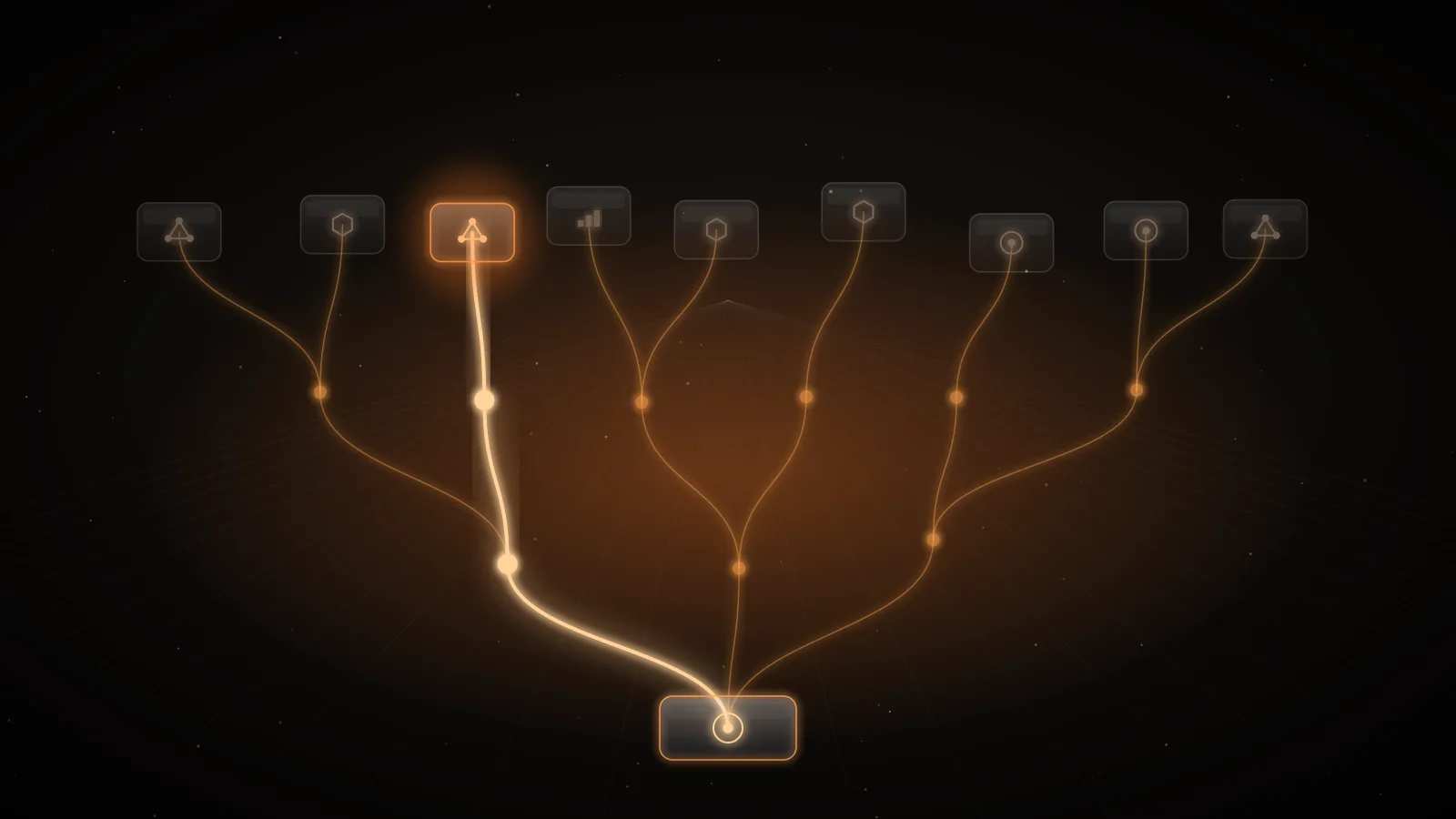
Anthropic's user profiles exist so that one bad end customer does not take your whole product offline. Launched on 20 October 2026, they let you "tell Anthropic which of your end customers each API request is for", so that a safety enforcement action can apply to one end customer instead of the whole organization1. Anthropic's guide states the problem plainly: if you operate a platform or gateway, or resell API access, your end customers' requests arrive under your organization, and without a profile on the request "one end customer can trigger an enforcement action that applies to your whole organization"2.
For a SaaS company with thousands of users on one Anthropic account, that is the difference between suspending one account in your own admin panel and explaining to every customer why the AI features stopped. This guide covers how profiles work, how to roll them out, how OpenAI's safety_identifier compares, and what attribution does not solve.
How user profiles work
The mechanism has three parts2:
- Register each end customer once with
POST /v1/user_profiles. Anthropic returns a profile with an id that starts withuprof_. Store it on your customer record. - Attribute every request you make on that customer's behalf by sending the id in the
anthropic-user-profile-idheader. The official SDKs and CLI take auser_profile_idargument that sets the header for you. The header works on Messages, token counting, Message Batches and the OpenAI SDK compatibility endpoint. - Watch the profile's
enforcement_status:unrestricted,restrictedorbanned. While an action is open, Anthropic refuses some or all inference requests that carry that profile's id.
Profiles are not billed and do not change prices2. A profile holds only what you send about the customer plus any status Anthropic sets; it does not contain conversation content, and Anthropic does not verify the details2.
Choosing who gets a profile
| Who the traffic is for | Profile | access_type |
|---|---|---|
| A signed-up user of your product | One per user, created at sign-up | application (the default) |
| A company you resell API access to | One per company, not per person | passthrough (must be sent) |
| Your own organization | None; a request with no profile counts as your own usage | Not applicable |
| A workspace in your organization | No separate profile; profiles belong to the organization | Not applicable |
Anthropic recommends keeping end-customer traffic in one organization and your own internal usage in another, because profiles belong to an organization, not a workspace, and separate workspaces are not enough2. For a passthrough profile, Anthropic also asks you to send an identifier for the individual person in the Messages request's own metadata.user_id when one person is identifiable, so it can detect misuse by one person inside a company2.
Implementing profiles
Create the profile in your onboarding flow, not at request time:
import anthropic

client = anthropic.Anthropic()

def ensure_profile(customer) -> str:
    """Create a profile once per end customer and store its id."""
    if customer.anthropic_profile_id:
        return customer.anthropic_profile_id
    profile = client.user_profiles.create(
        # application is the default: one signed-up user of your product
        external_user_details={
            "reference_id": customer.id,          # your own opaque id
            "country": customer.country_code,     # the customer's country, not yours
            "email_hash": customer.email_sha256,  # a hash, never the address
        },
    )
    customer.anthropic_profile_id = profile.id
    customer.save()
    return profile.id

def answer(customer, messages):
    return client.messages.create(
        model="claude-sonnet-5-5",
        max_tokens=1024,
        messages=messages,
        user_profile_id=ensure_profile(customer),
    )
Five details from Anthropic's guide decide whether this works in production2:
- The create call is not idempotent. Every
POST /v1/user_profilesmakes a new profile, even with the samereference_id. Guard creation with a database lock or a unique job per customer, and have service instances read the stored id rather than creating their own. - Send less, not placeholders. Every field is optional. Leave out what you do not know; once set, a value in
external_user_detailscan be replaced but not cleared. If you cannot share a name or email address, sendname_hashandemail_hash, computed with the same function and normalization for every profile. - Unknown or foreign ids fail. On the Claude API, a malformed id, or one that belongs to another organization, returns
400 invalid_request_error. On Message Batches the batch is created and each request in it errors instead. - Keep profiles current. Update
external_user_details.account_statuswhen you suspend a customer yourself; delete the profile when the customer closes the account or asks you to erase their data, after you stop sending its id. Deleting does not remove Anthropic's trust and safety records for that id. - Bulk backfills need a conversation. Profile creation is rate limited; contact your Anthropic account team before registering an existing customer base in bulk.
Knowing when Anthropic acts
An enforcement action has a type (restriction or ban), a reason (one of unsupported_region, fraud_or_abuse, high_harm, usage_policy_violation, account_compromise or unspecified), an optional action the customer can take to clear it, and opened_at and expires_at times2. These fields arrived on 21 October 2026, with a list filter on enforcement_status1. To find affected customers, list profiles with enforcement_status[]=restricted and enforcement_status[]=banned; to be told, subscribe to organization webhooks, which were in beta and required contacting your account team at launch12. Anthropic notes that a status change does not reliably move updated_at, so compare the fields themselves2.
Wire this into your own support tooling. When a profile becomes restricted, your product should show that customer a clear message and stop retrying, rather than surfacing a generic error.
Platform coverage
Profiles are created on the Claude API, Claude Platform on AWS or Microsoft Foundry deployments hosted on Anthropic2. Amazon Bedrock and Google-managed Vertex do not have the endpoints: you create profiles on the Claude API or Claude Platform on AWS, link the AWS account or Google Cloud project in Anthropic's Verification Portal, and send the id with each request (a top-level user_profile_id body field on Claude in Amazon Bedrock). Those platforms check only the id's format, so a successful response does not confirm the profile exists, and the older Bedrock InvokeModel and Converse integration does not take profiles at all2. On Claude Platform on AWS, enforcement_status is always unrestricted and Anthropic does not refuse requests there because of an open action2.
How OpenAI's safety_identifier compares
OpenAI's equivalent is a request field, not a registered object. safety_identifier is "a stable identifier used to help detect users of your application that may be violating OpenAI's usage policies", up to 128 characters, and OpenAI recommends hashing the username or email3. The older user field is deprecated: OpenAI's reference says it "is being replaced by safety_identifier and prompt_cache_key"3.
OpenAI's safety checks guide describes what happens when an identifier is flagged: for lower-severity concerns streaming may be delayed while more checks run, and for a high-confidence violation the identifier can be completely blocked from model access, with future requests for it returning an "identifier blocked" error4. The guide ties these checks to GPT-5 requests, and warns that an organization that repeatedly hits high thresholds can still lose access as a whole4. Send it in the body of Chat Completions, Responses and Images requests, and as the OpenAI-Safety-Identifier header for Realtime sessions4.
| Anthropic user profiles | OpenAI safety_identifier | |
|---|---|---|
| Where it goes | anthropic-user-profile-id header (body field on Bedrock) | Request body field (header for Realtime) |
| Registration | POST /v1/user_profiles once per customer | None; any stable string |
| What you can query | enforcement_status, enforcement_actions, webhooks | No status endpoint described |
| Company vs person | passthrough profile for a company, plus metadata.user_id for a person | One identifier per user |
| Effect of a violation | Restriction or ban on the profile | Delay, or a block on the identifier |
| Organization still at risk | Unattributed traffic counts as yours | Repeated high-severity violations |
Where each loses: profiles take more work (onboarding code, a stored id, a backfill, a status check), and they protect you only on requests that carry a valid id. safety_identifier is one field to add, but there is no object you can query to learn that a customer was blocked; you find out from errors.
What attribution does not solve
Attribution limits who is punished; it does not stop the abuse, and it does nothing about cost. One end customer scripting your feature as a free model proxy still runs up your provider bill until something refuses their requests. For a SaaS product the full control set is:
- Attribution on every provider: user profiles for Anthropic,
safety_identifierfor OpenAI. - Per-customer limits in your own path: a spend or request cap per end customer, refused before the provider call, with an error your app can show.
- Per-customer usage you can see and bill from, so an outlier is visible in hours, not at month end.
- An off switch in your own admin panel, mirrored in the profile's
account_status.
For leaders, the questions to ask are: does every AI request carry the end customer's identity to the provider, what stops one customer spending a hundred times the median, and who is alerted when a provider restricts a customer.
Per-customer caps and usage with INFRO
INFRO is a control plane that sits between your applications and the provider accounts you already hold. You connect your own Anthropic and OpenAI accounts, your providers bill you directly, and INFRO adds the per-customer controls that attribution alone does not give you.
Identify the end customer. Your app sends an opaque end-customer id in metadata.user_id (or the X-INFRO-User-Id header) on each request through INFRO.
Cap each end customer. End-customer caps set one spend cap for every end customer, per organization or per project, with overrides your backend sets through the management API. A request that would pass its customer's cap is refused before it reaches your provider, with a 402 naming the customer and when the cap resets. Caps count INFRO's estimate of provider cost, from your negotiated or the list rate.
See and bill usage. Budgets → End customers lists your most expensive end customers, and usage per end customer exports requests, tokens and estimated provider cost per customer, by day or month, for you to bill your own users from in your billing system. Both are on every plan.
What INFRO does not do today: it does not create Anthropic user profiles, and it does not forward the anthropic-user-profile-id header, so requests sent through INFRO reach Anthropic without a profile and count as your organization's own usage. On /v1/chat/completions it passes OpenAI's user field to Anthropic as metadata.user_id, and forwards top-level parameters it does not model, such as safety_identifier, to an OpenAI connection unchanged; neither is a substitute for a profile. INFRO's caps reduce how much one customer can spend, not whether Anthropic attributes an enforcement action to them.